Paste your link
Copy your Canva design link and paste it above.
Paste your Canva link. Continue editing in Photoshop.
Restoring your import…
Staging allows up to 10 imports per user in 24 hours. Only submit designs you are authorized to convert. Privacy information
Early access: review your converted PSD in Photoshop before using it.
Copy your Canva design link and paste it above.
We check your design and prepare a Photoshop file. Unsupported elements return an error.
Download your file and review it in Photoshop before continuing your work.
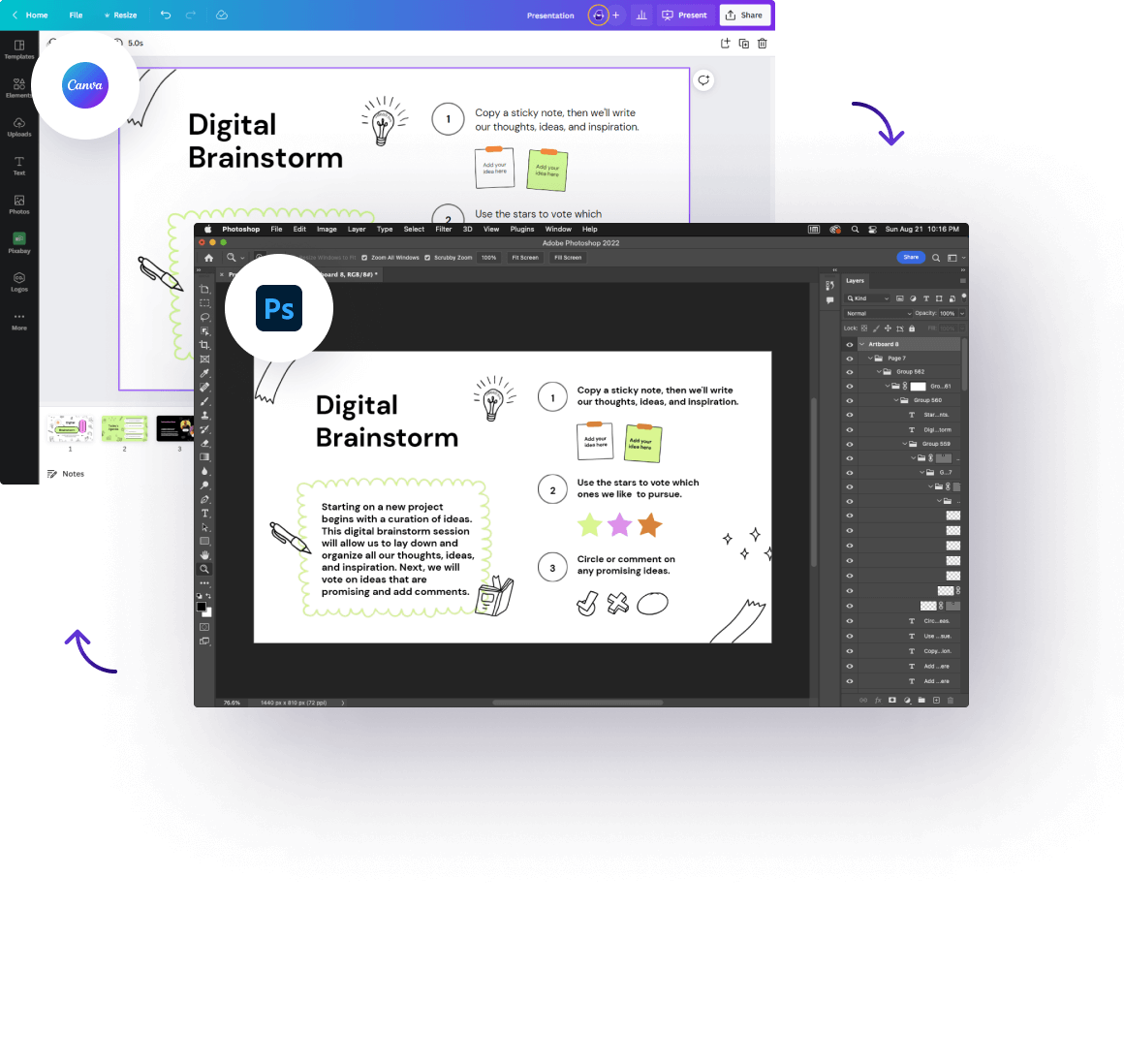
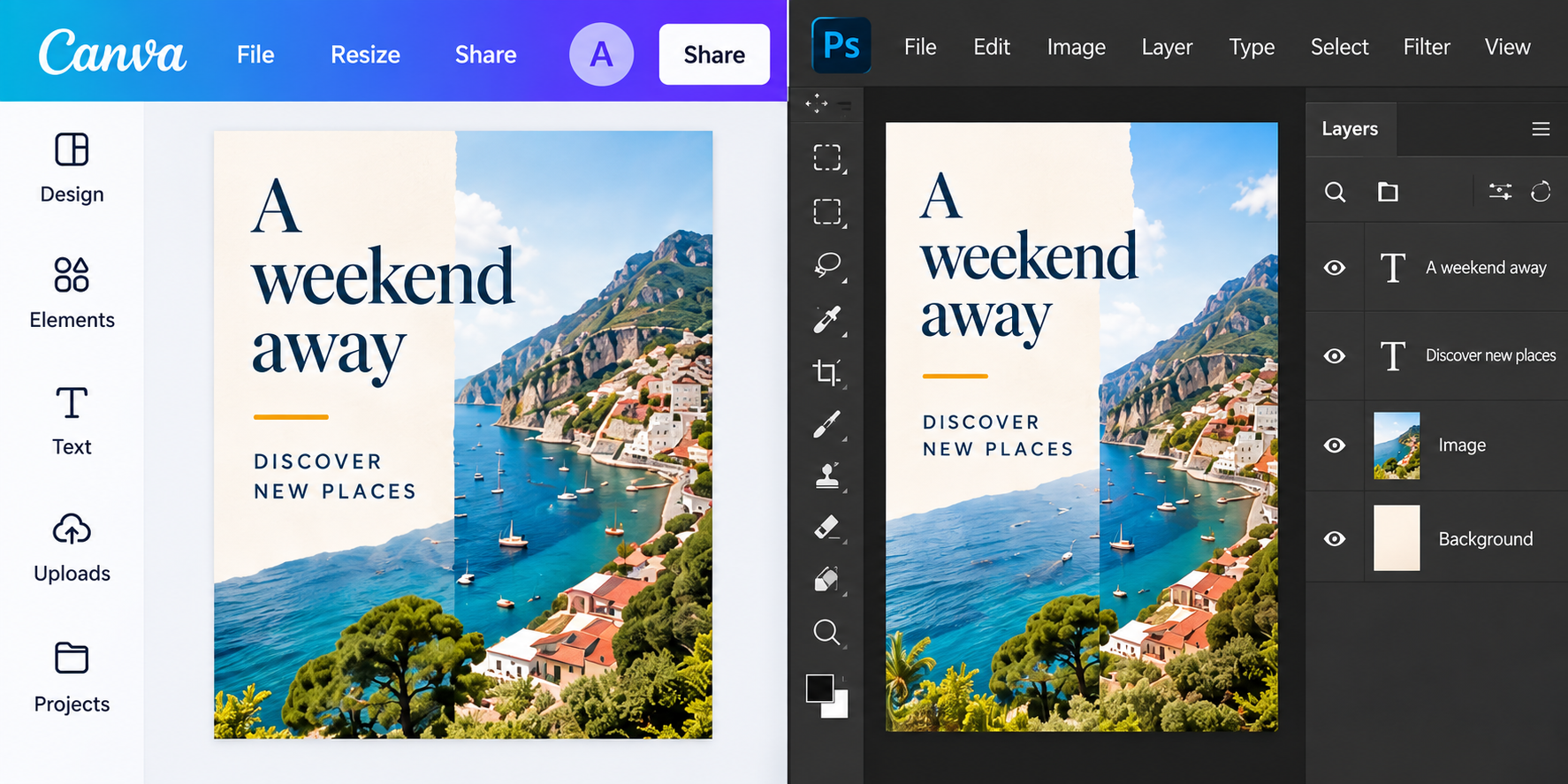
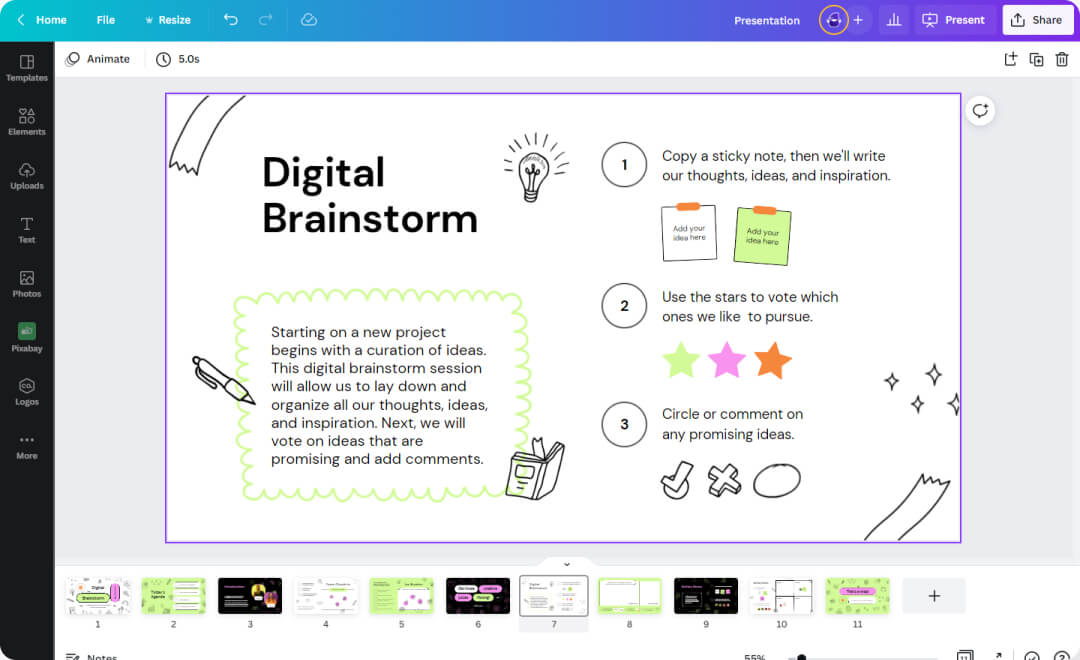
Move your Canva designs into Photoshop. Focus on your ideas instead of wrestling with file formats.
Keep your composition, text, and visual elements together as you move to your next creative tool.
Change a headline, move an image, and keep making your design your own.
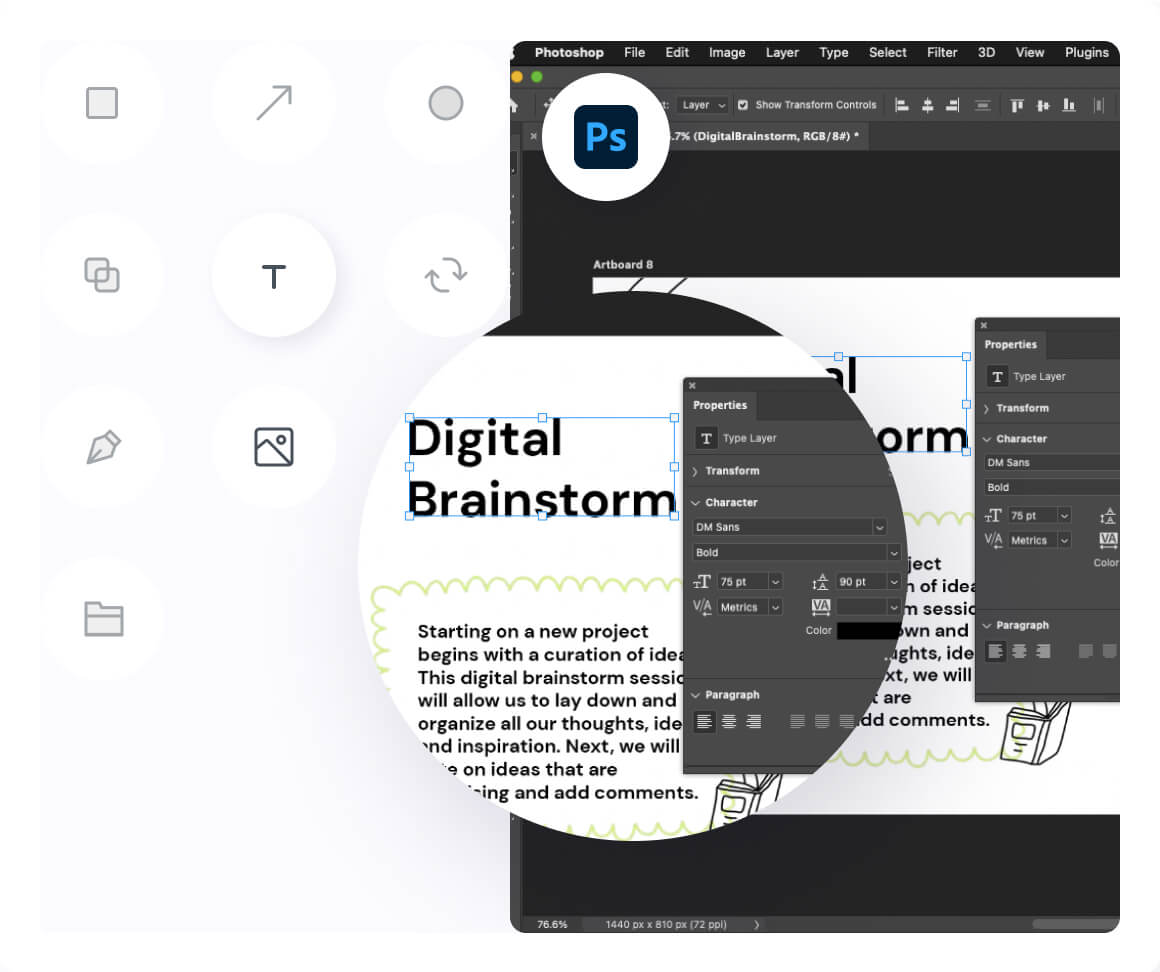
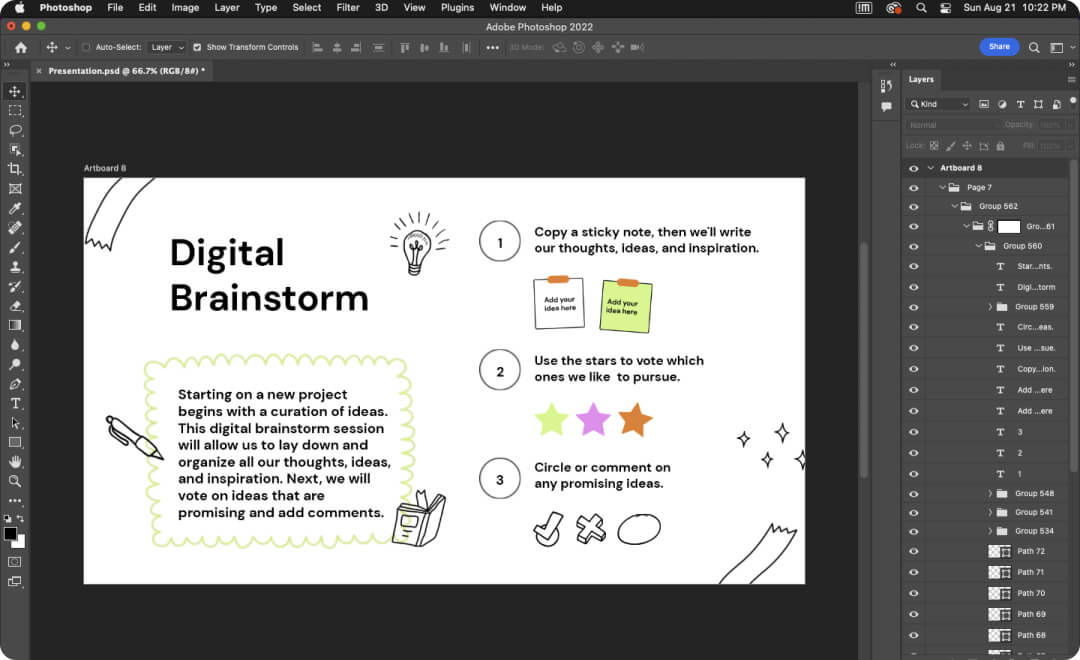
Supported artwork is retained on separate layers. SVG artwork is rasterized; editable vector paths are not yet supported.
Review the converted layers in Photoshop before using the file.
Fonts, effects, and artwork may need adjustment after conversion.
This is the Staging environment. Conversion costs 20 test credits; checkout uses test payments and does not charge real money. Production pricing is not enabled.
To import a design, paste its Canva link and approve editing access for import@canvatopsd.com. Conversion uses a separate private copy.
Canva does not currently offer PSD as a native download format. CanvaToPSD is being built to bridge that gap, so you can continue working on supported designs in Adobe Photoshop.
Supported text is written as editable text layers and images are kept on separate layers. SVG artwork is rasterized. Fonts and effects require visual review in Photoshop.
Our planned workflow creates a separate PSD for each page, preserving the source page order and dimensions. Each file should be independently editable in Photoshop.
No. We are focusing on static designs. Video, animation, interactive content, and other unsupported features are outside the initial scope. Unsupported elements will be reported explicitly rather than silently flattened or omitted.
The import workflow captures a private copy and converts supported static document elements, including text and images. SVG artwork becomes a separate raster layer. Unsupported features return an explicit error; inspect the delivered report for the result.
Yes. We request editing access as import@canvatopsd.com. After you approve, we create and capture a private copy without changing your original design.
A ZIP containing a PSD candidate and its conversion manifest. The file still needs visual and editing review in Photoshop; a successful conversion does not mean full design acceptance.
The error from the service appears next to the link field. Check sharing permissions and the supported design requirements before submitting again. The service does not silently flatten or skip unsupported elements.
The connected capture service stores uploads and generated candidates in private Cloudflare R2 storage. Automatic deletion is not implemented yet. Only submit designs you are authorized to process.
